Video Google
Veo 3.1 Fast
Google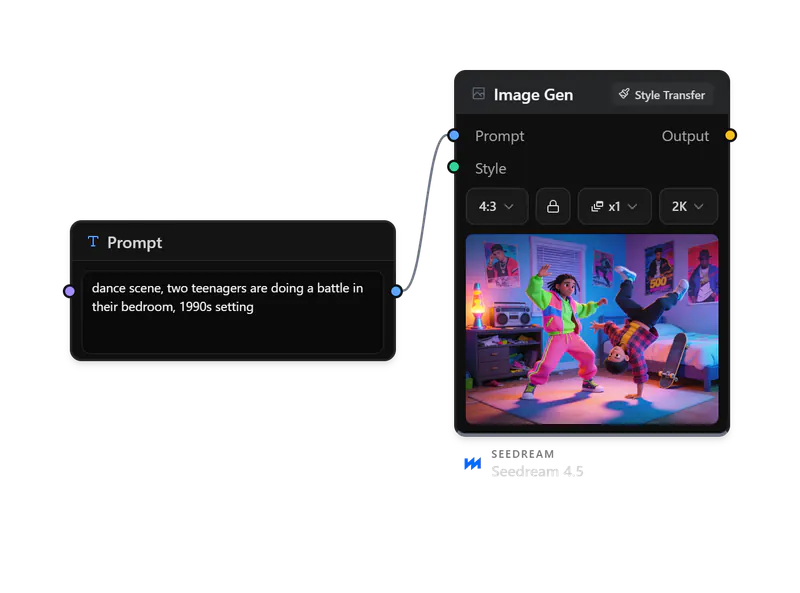
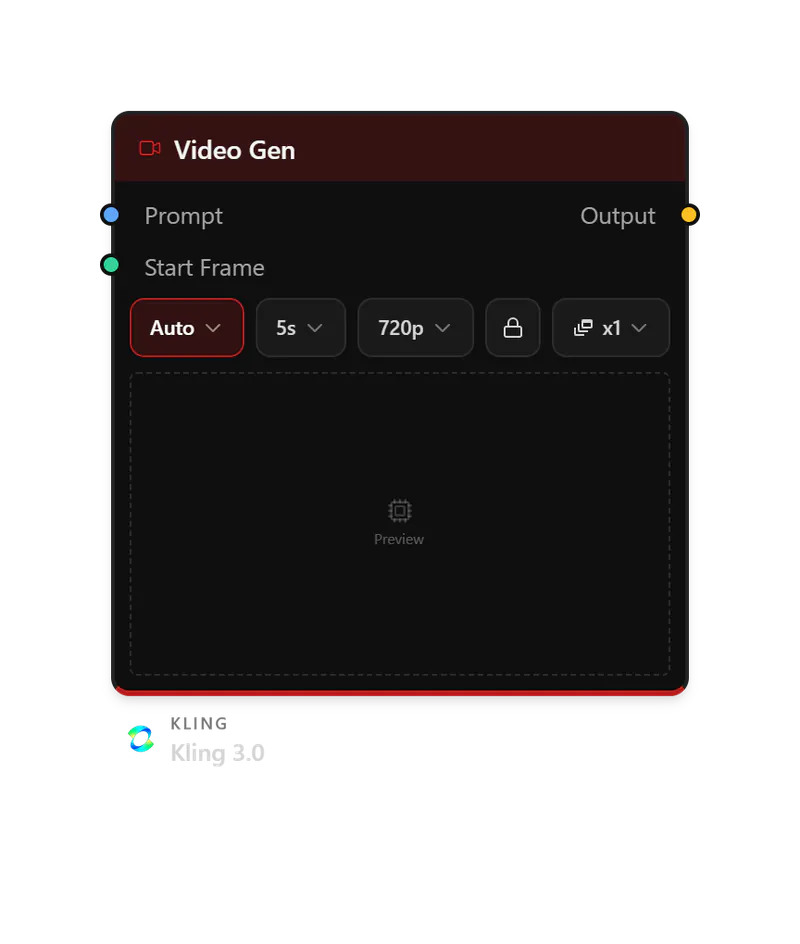
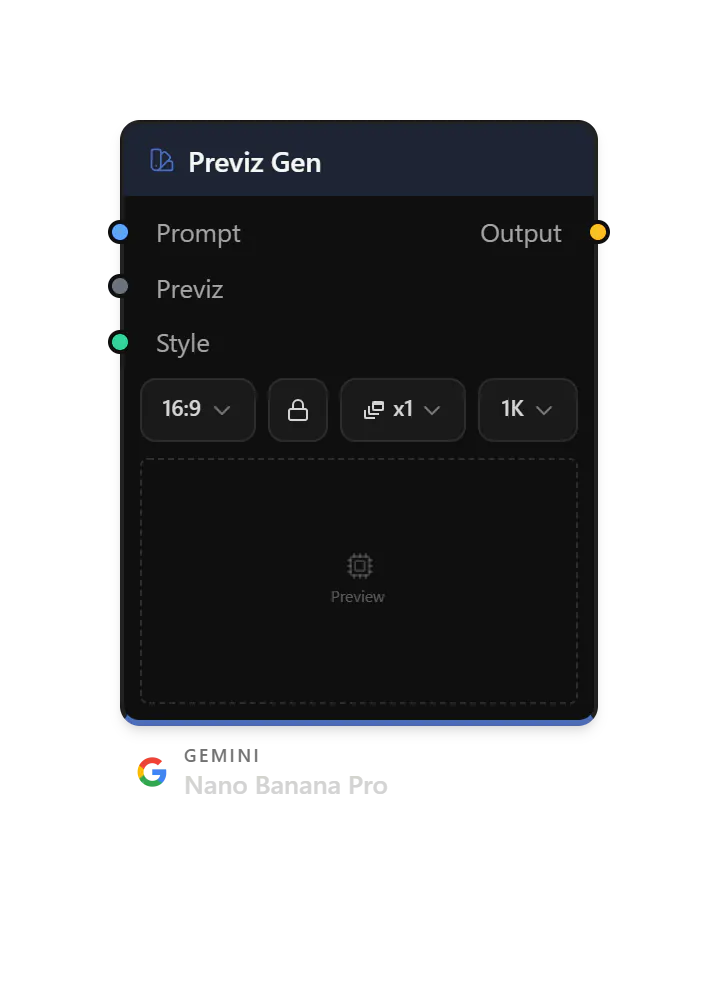
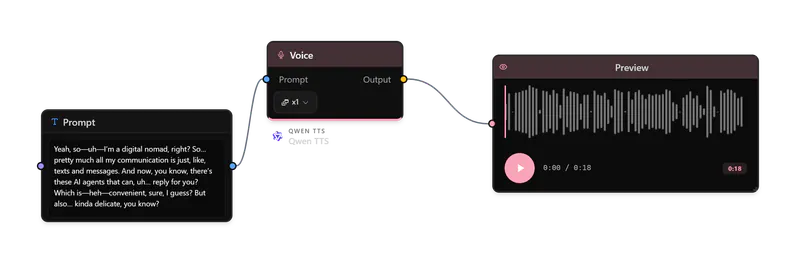
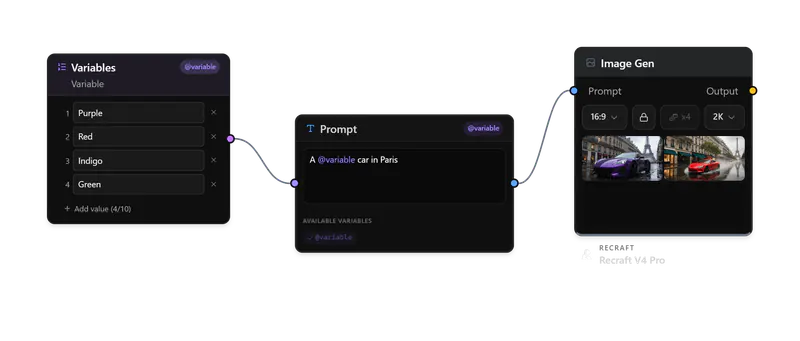
An AI workspace for art directors, creative teams and agencies.
The leading image and video models, from first brief to client review.
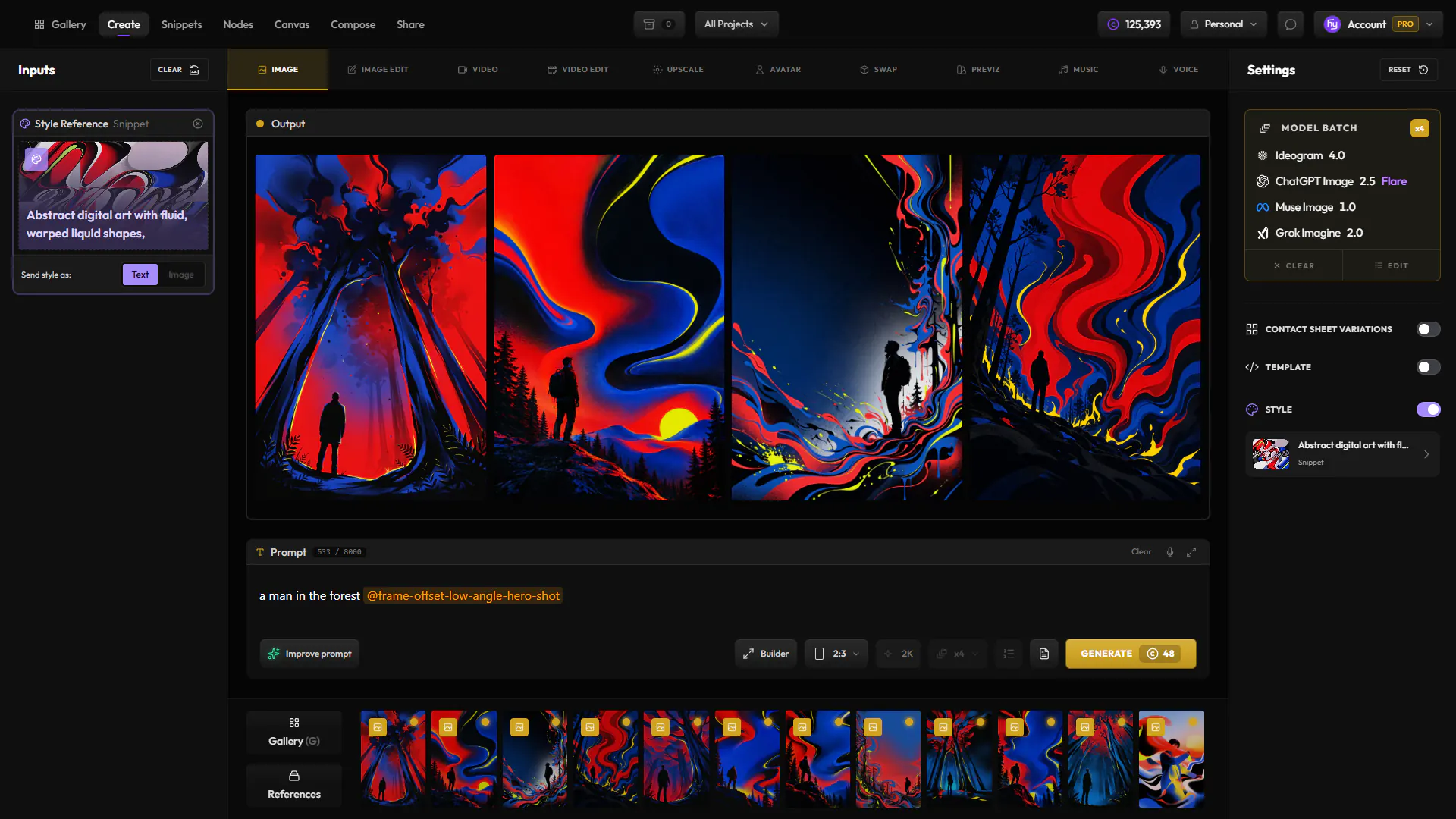
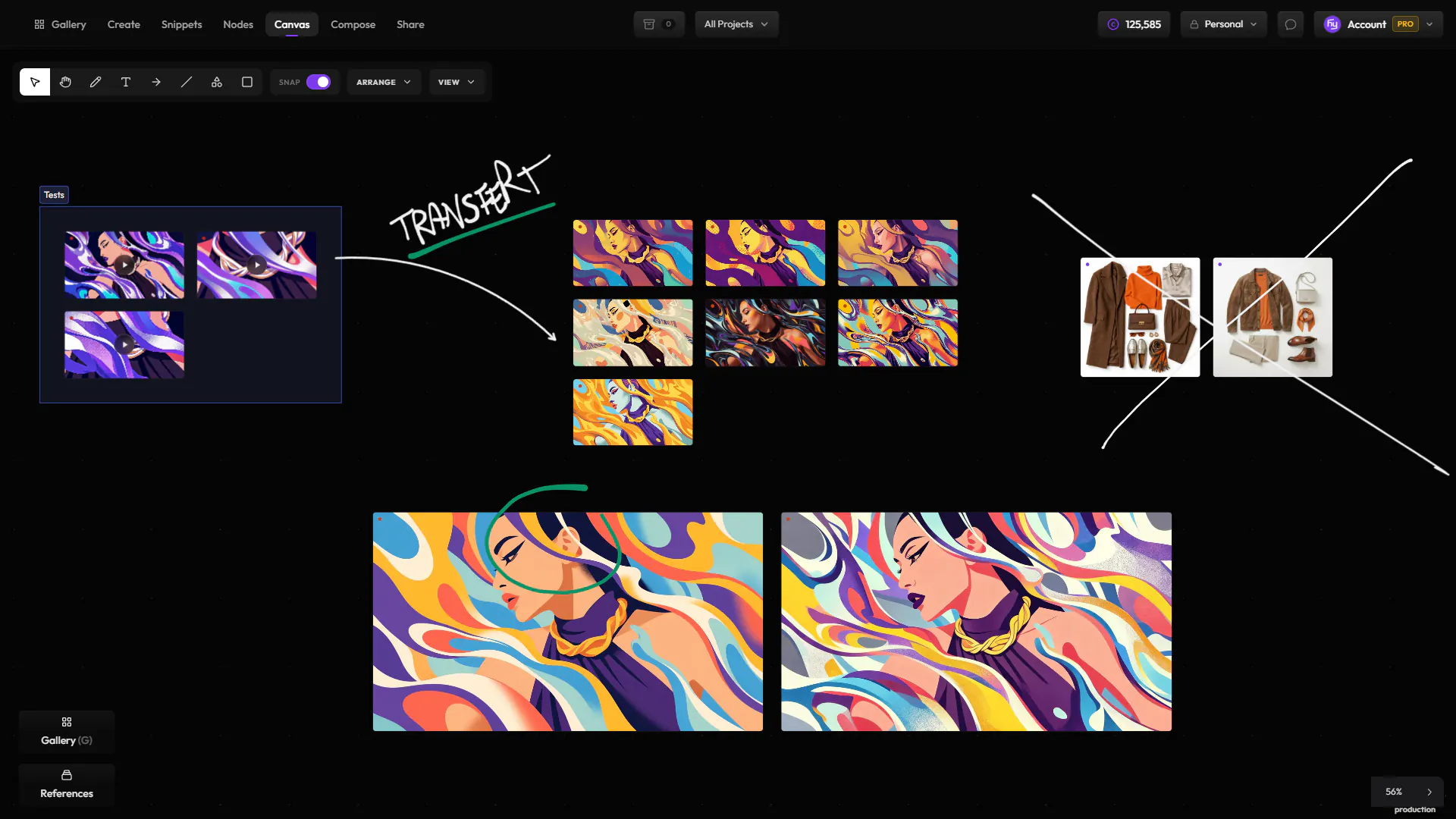
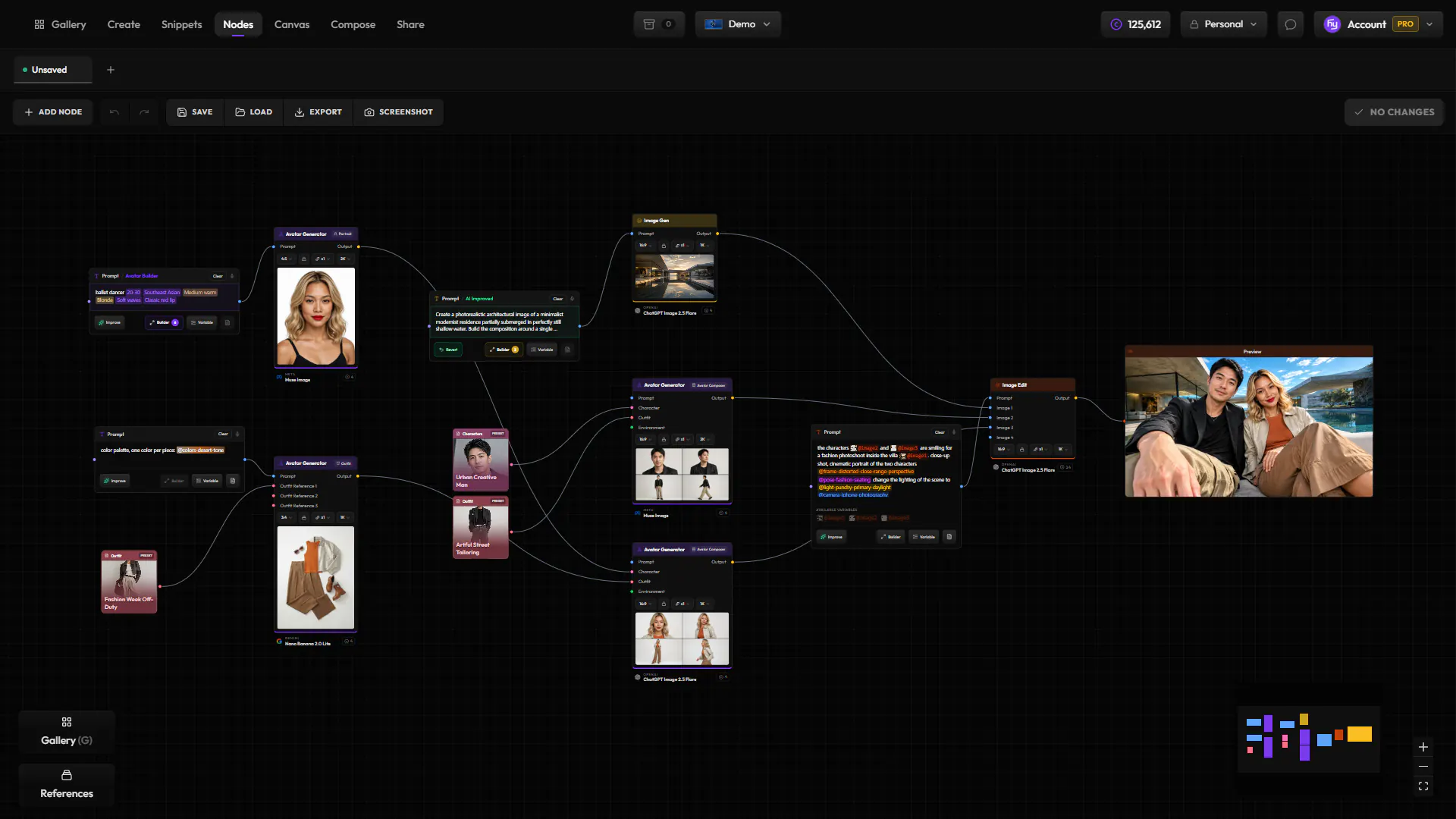
Create, Gallery, Snippets, Compose, Canvas, Nodes — each draws on the same assets, models, and lineage, so your work flows between them instead of starting over.
Move between leading image and video models while your prompt, references, settings, assets, and project context stay in place.
Google
 Black Forest Labs
 OpenAI
 KlingAI
 Google
 Recraft
 MiniMax
 BytePlus
 xAI
xAI
 Ideogram
 MicrosoftBytePlus
 Google
 LTXxAI
 Alibaba
20+ integrated providers across image, video, editing, upscaling, and audio.
GoogleRecraftAlibaba Pruna AIBytePlusBlack Forest Labs
 KreaIdeogramMicrosoft
 MetaKlingAIOpenAIxAILTX
 LumaMiniMax
 Clarity AI
 Topaz Labs
 ACE-Step
 ElevenLabs
Client work asks for more: a traceable history, reusable assets, a searchable library and one workspace for your team, whichever model you choose.
Parents, prompt, inputs and settings travel with every generation, edit and upscale. Trace the chain or reload any step.
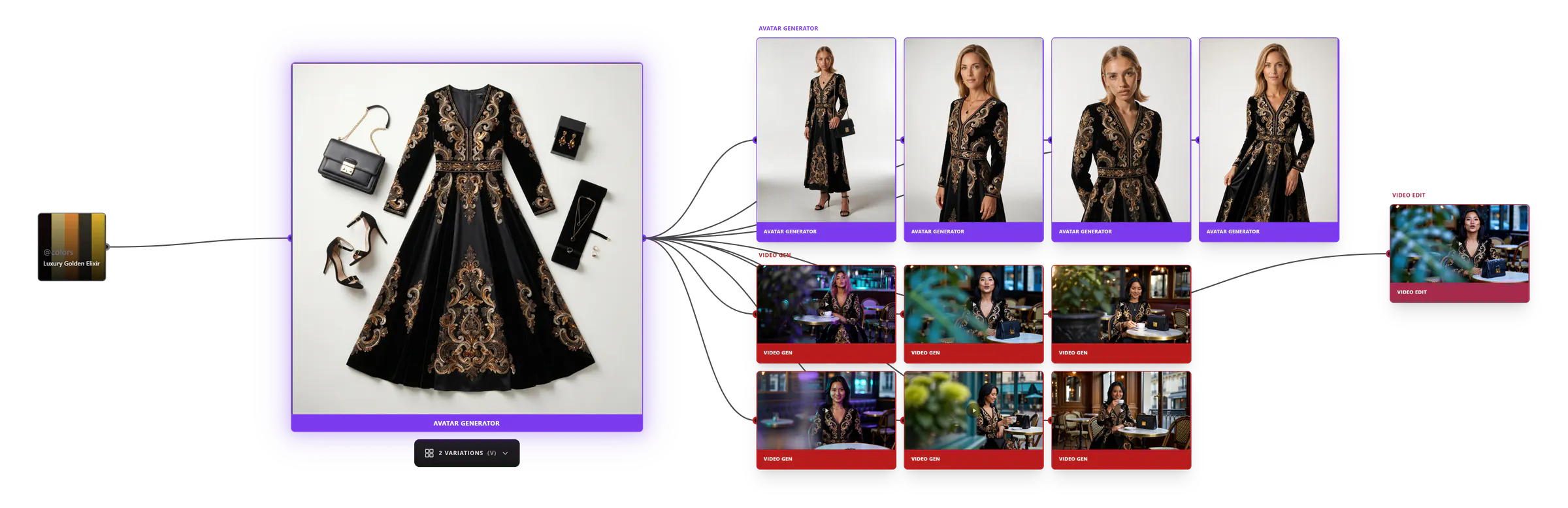
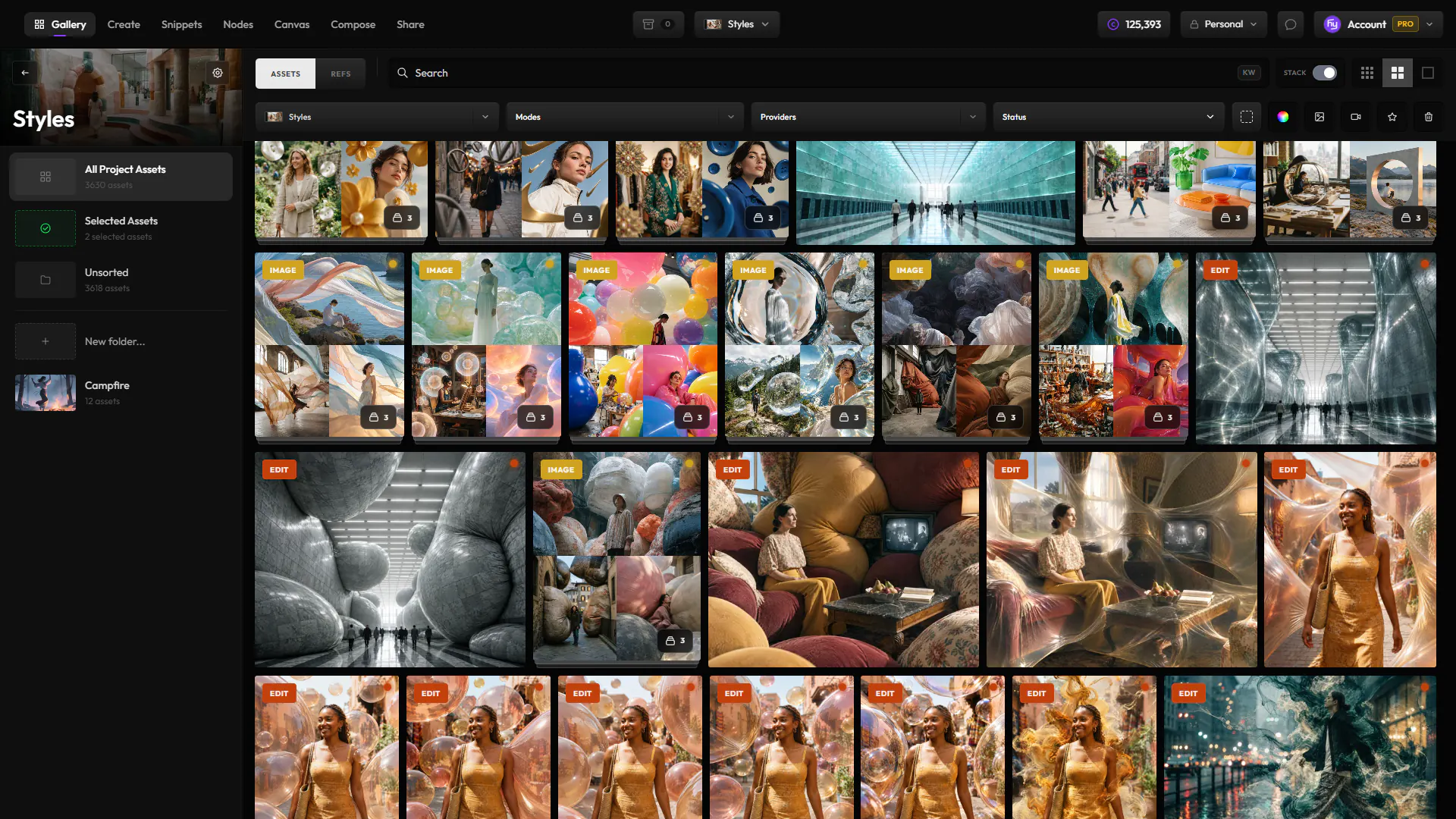
Stacks, statuses, semantic search and versions keep the library legible and ready to share.
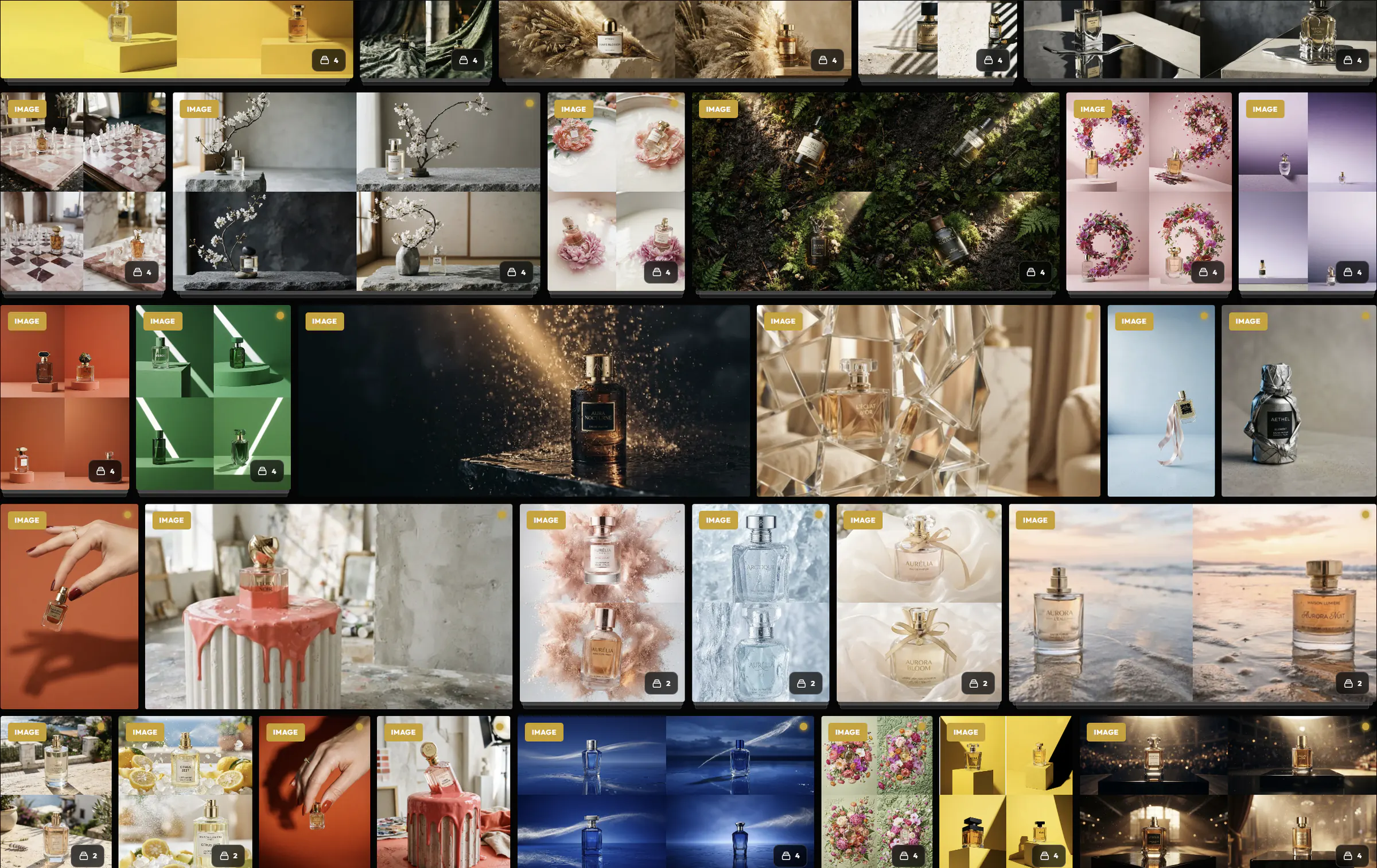
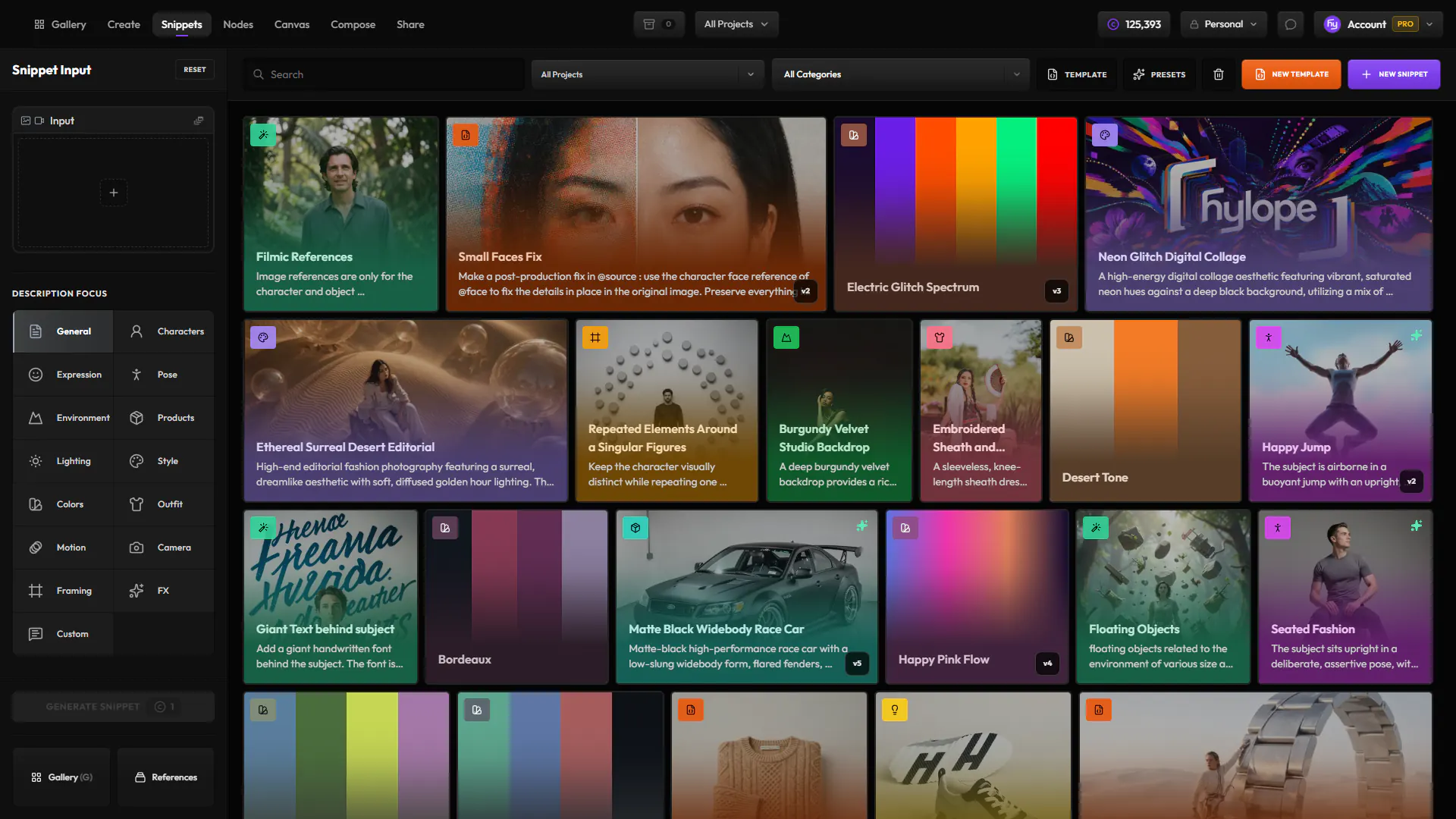
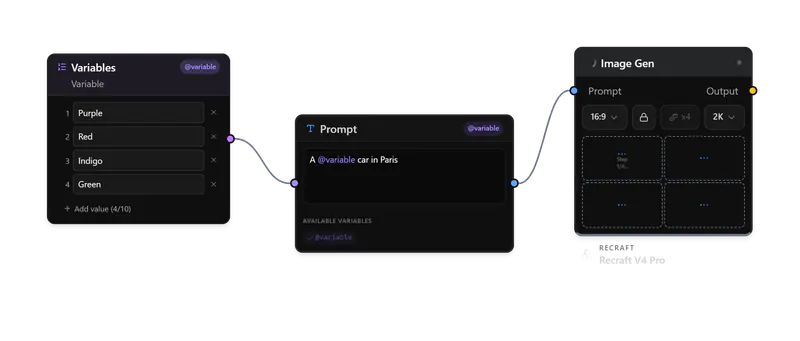
Reusable @tokens, reference images and a rewrite that follows the model you are on.
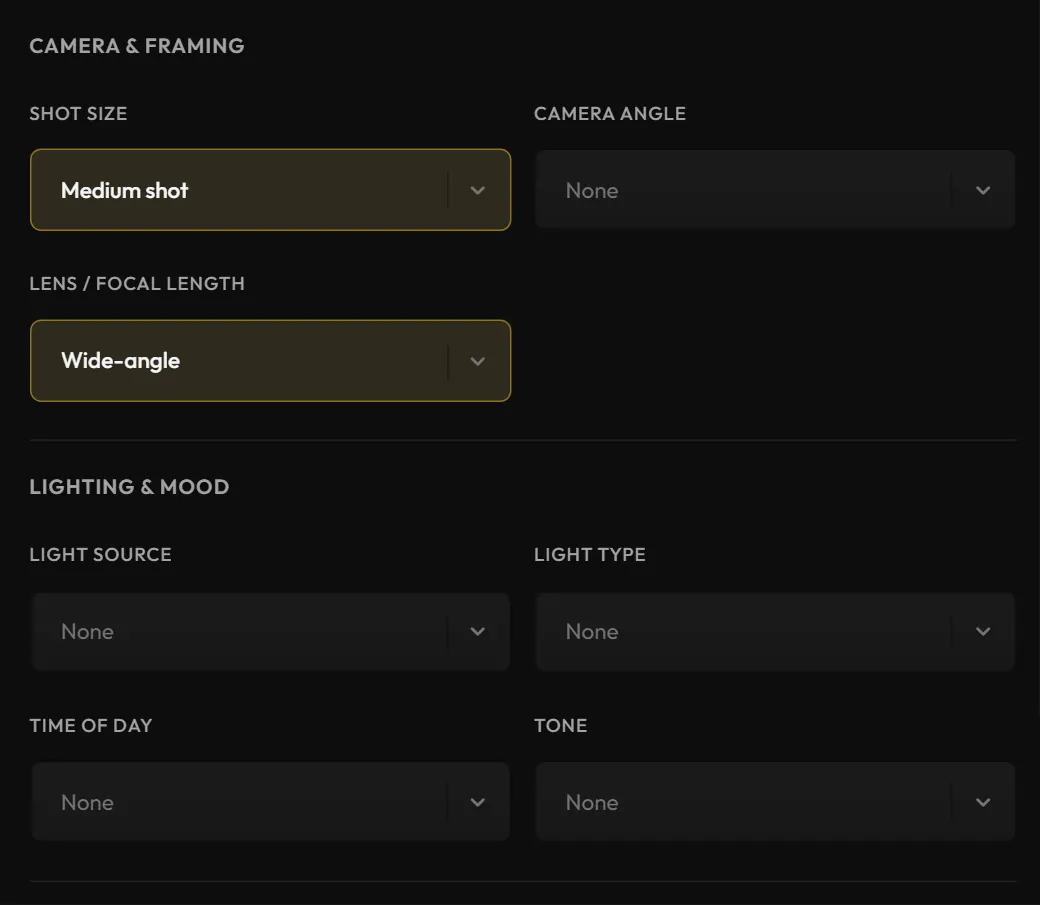
A character, a product or a set, picked by name in any input, at any version.
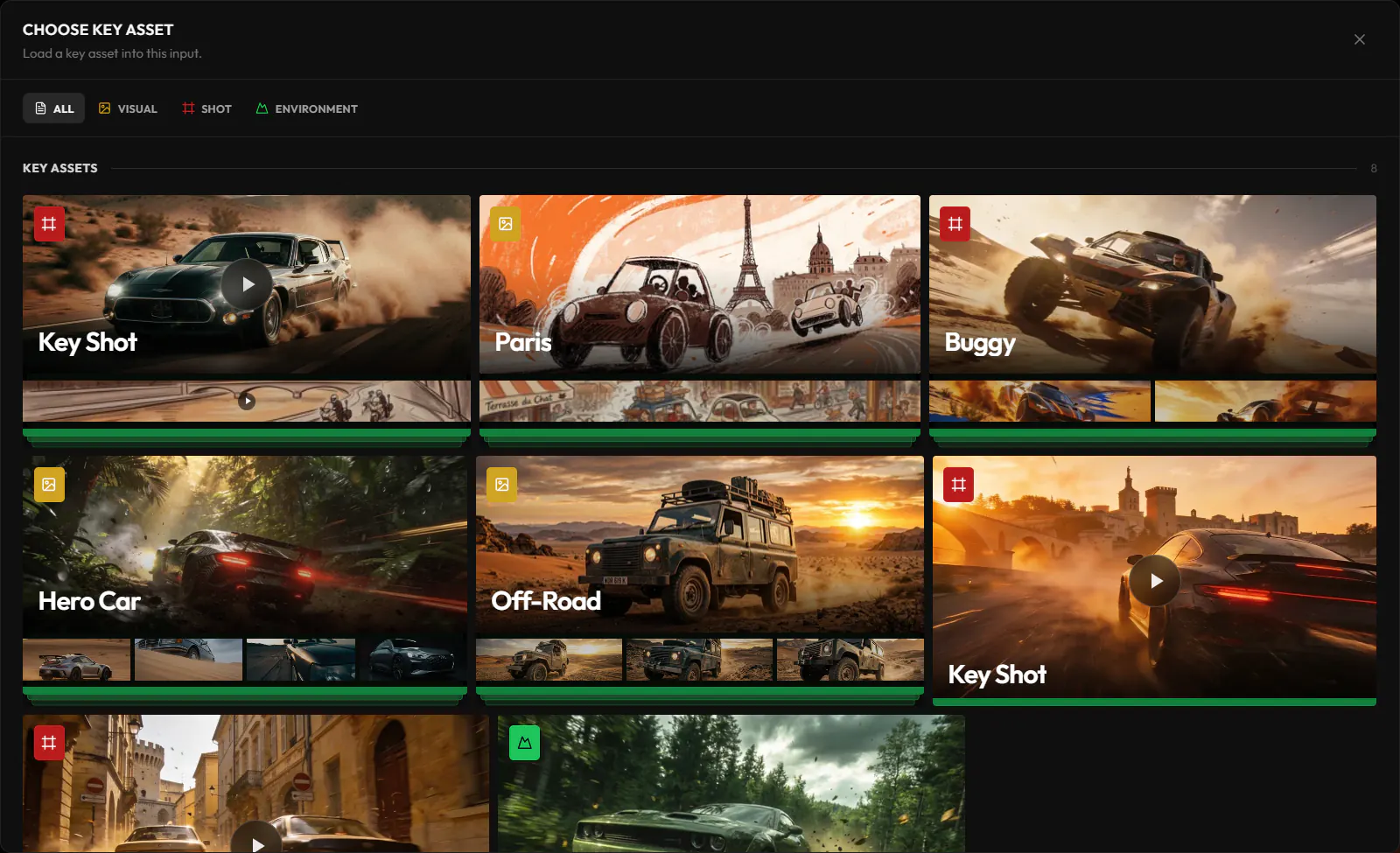
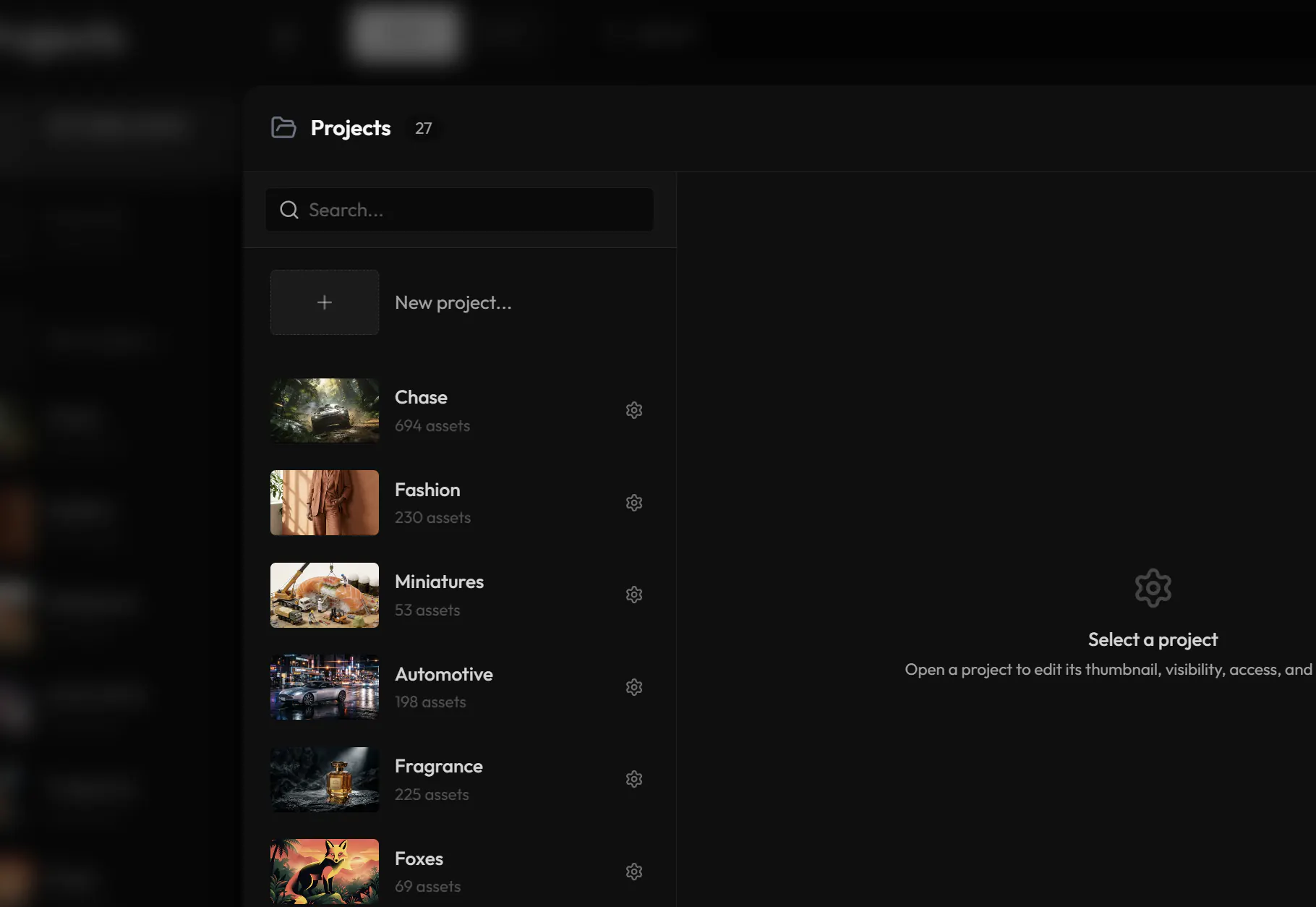
Folders, selects and access live with the work, and teammates see it update in realtime.
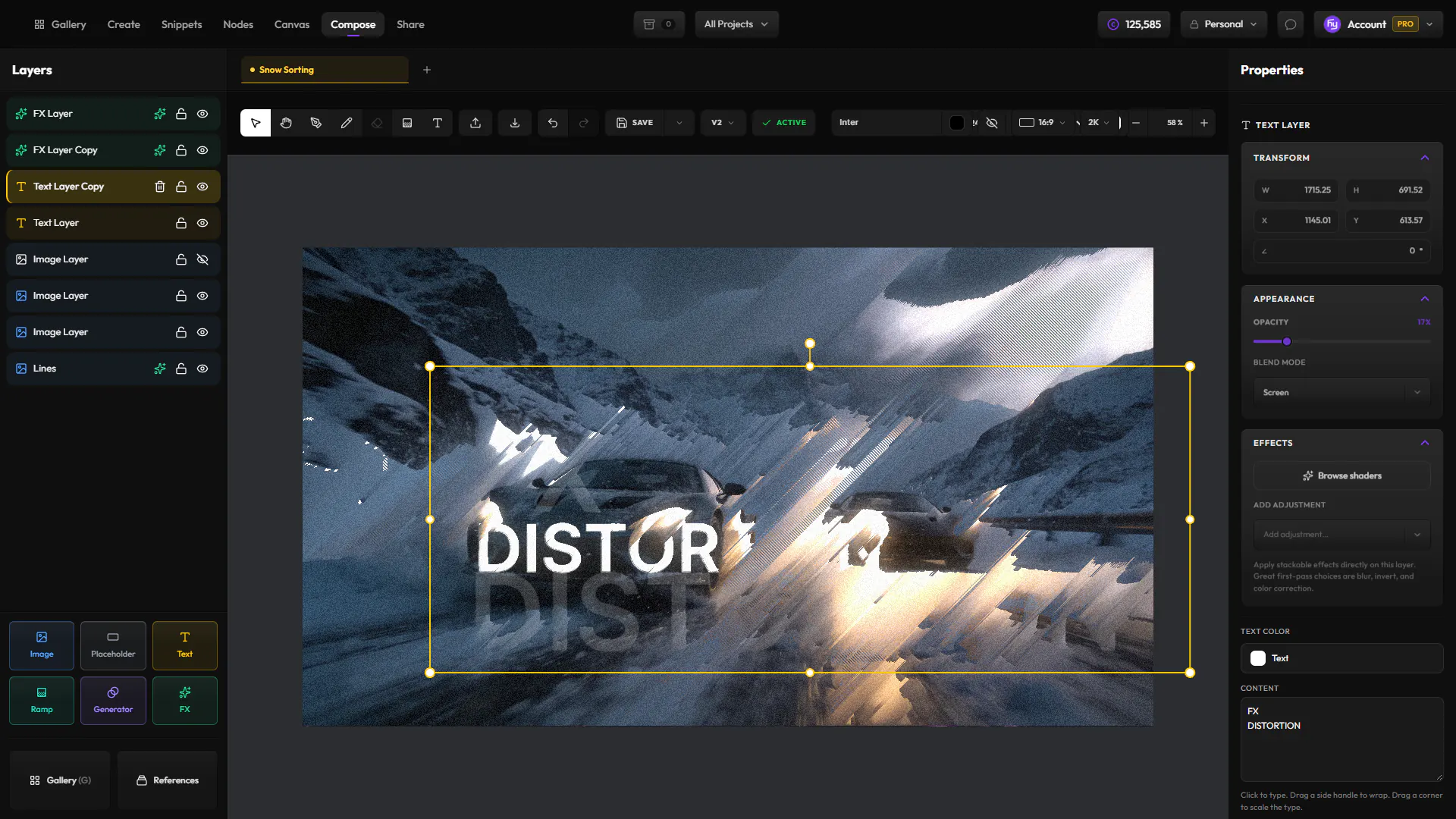
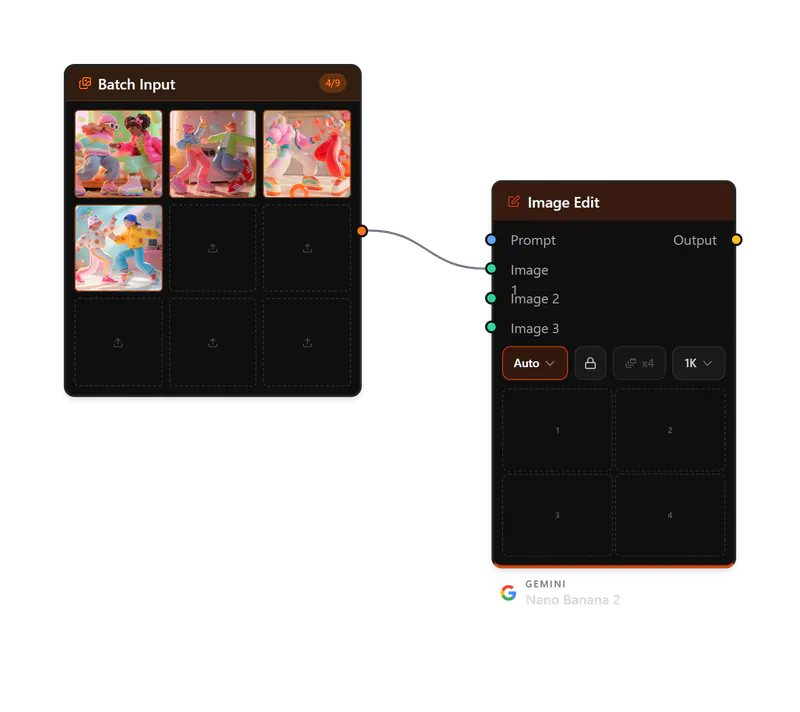
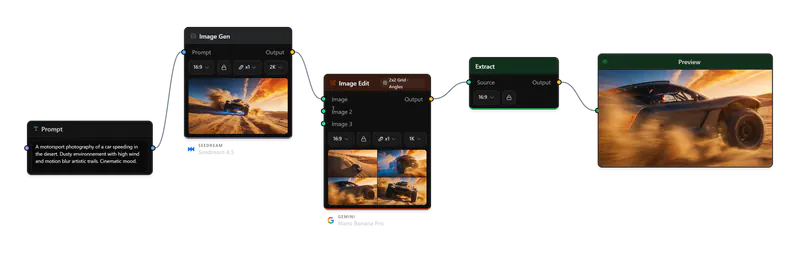
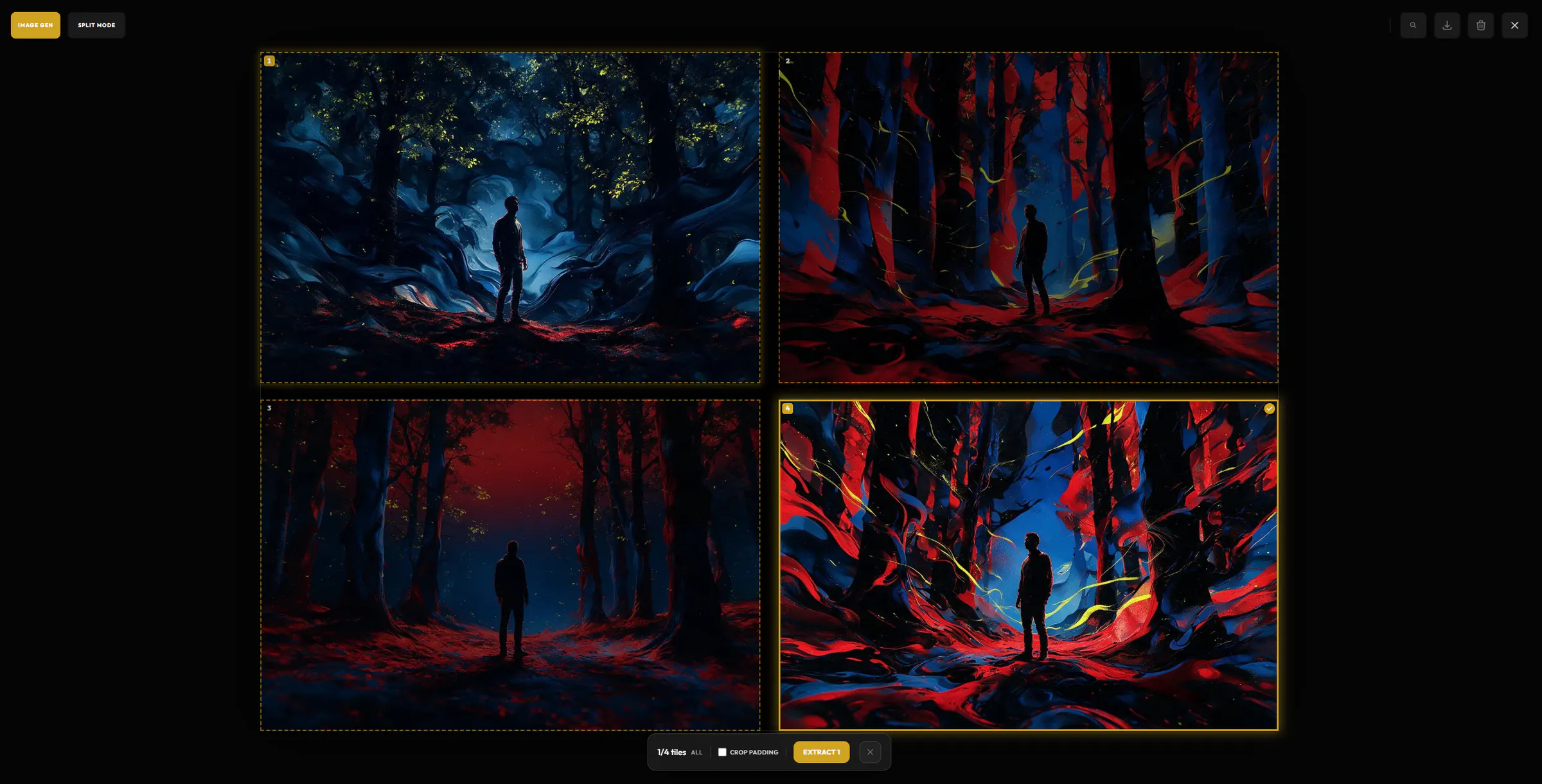
Pull tiles and frames out as new assets, or edit in place and keep every version.
Short walkthroughs of real projects, from the first prompt to the final result.
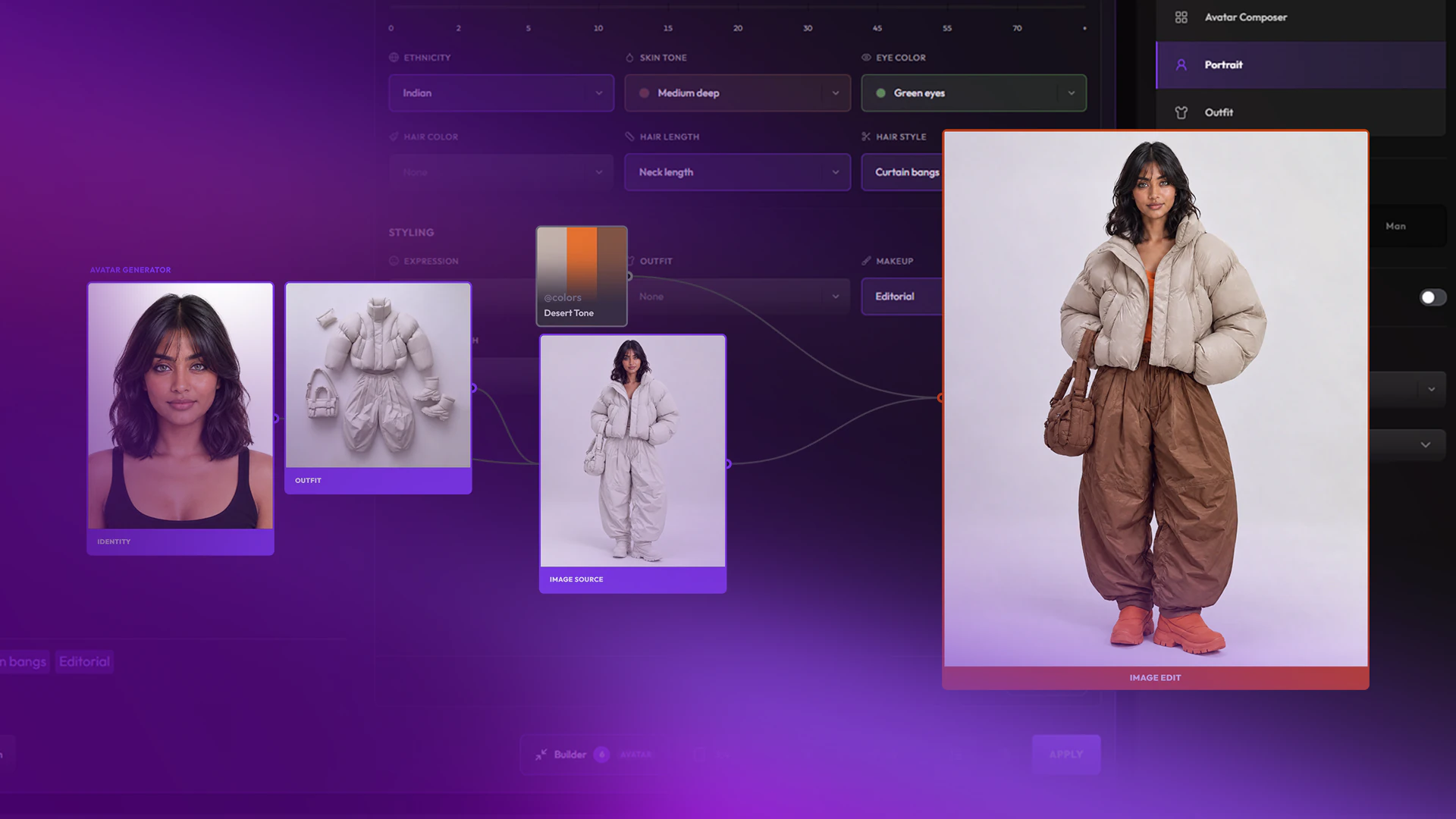
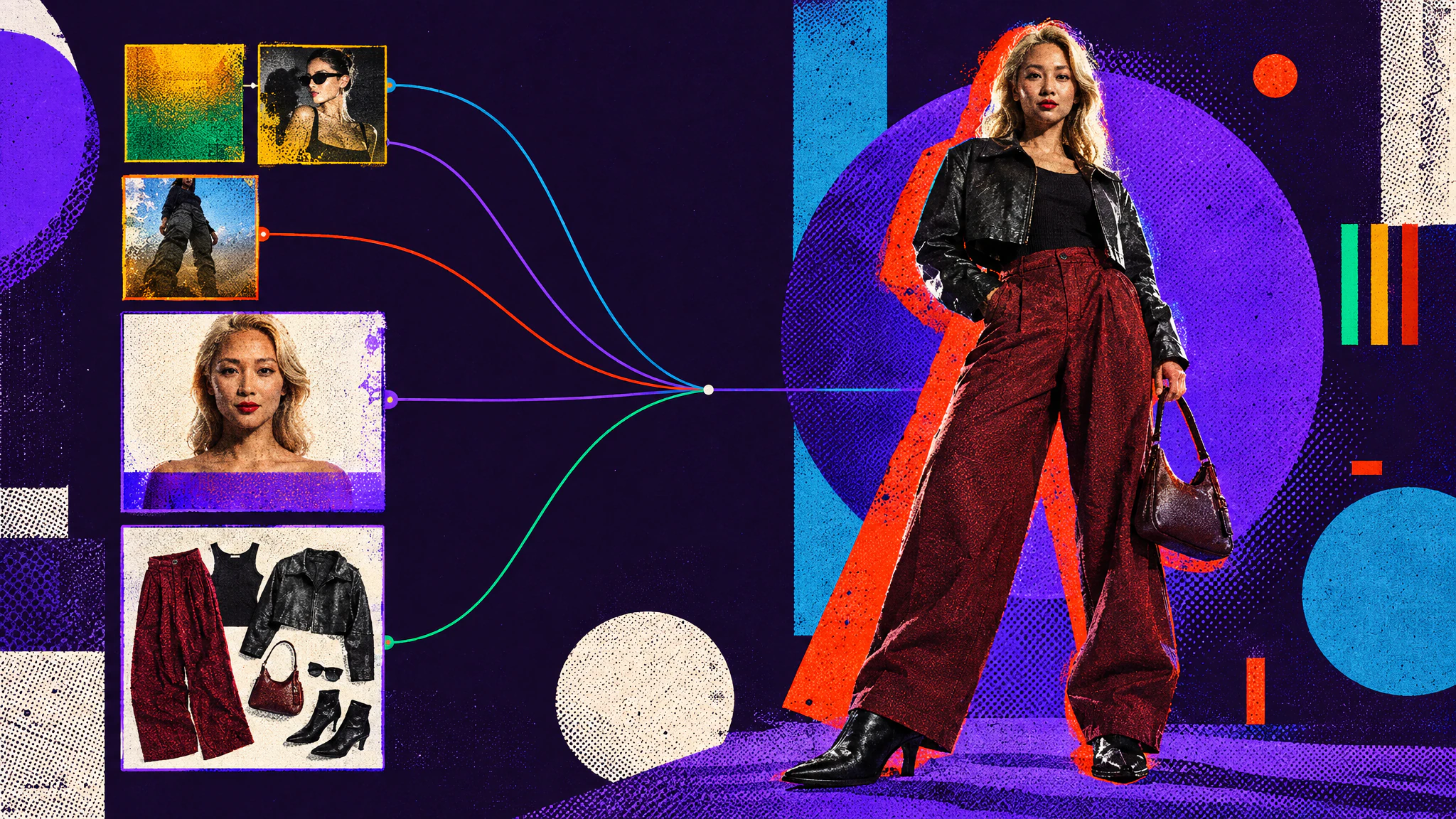
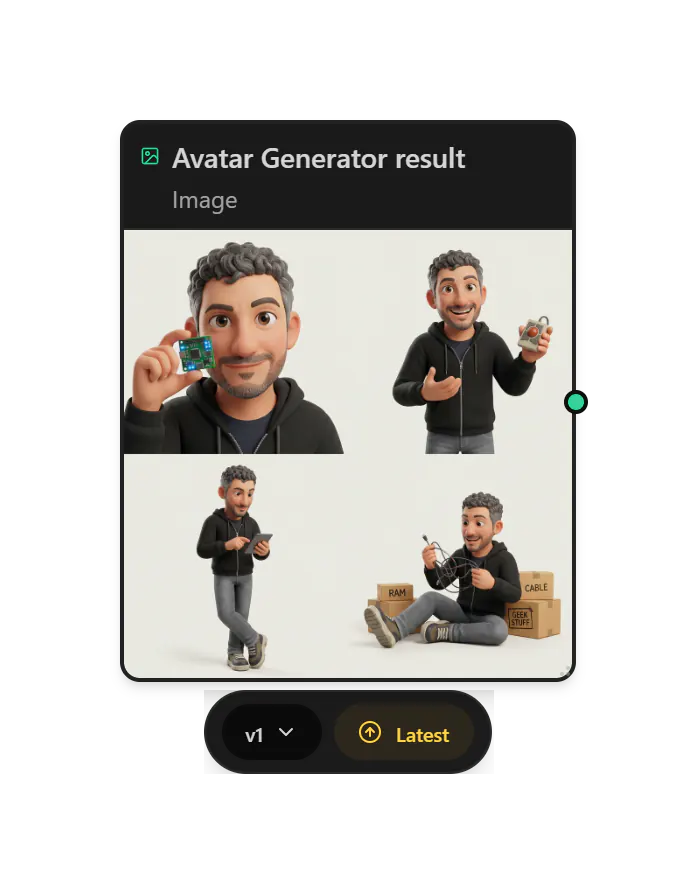
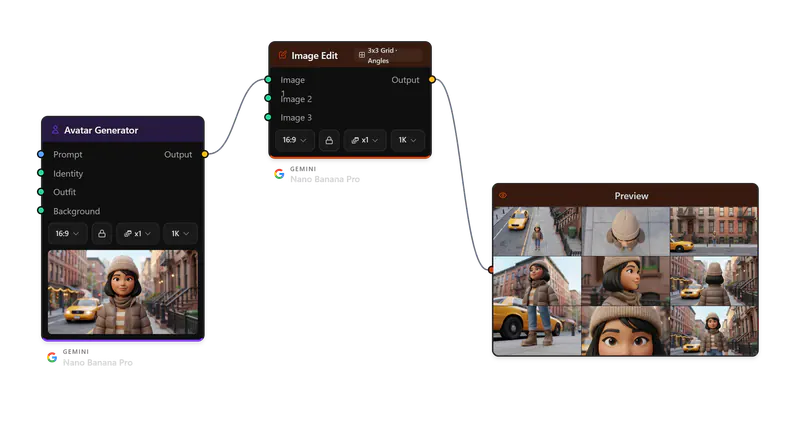
Create AI characters with precise art direction, in any style. A portrait sets the identity, outfits are built separately, then combined.
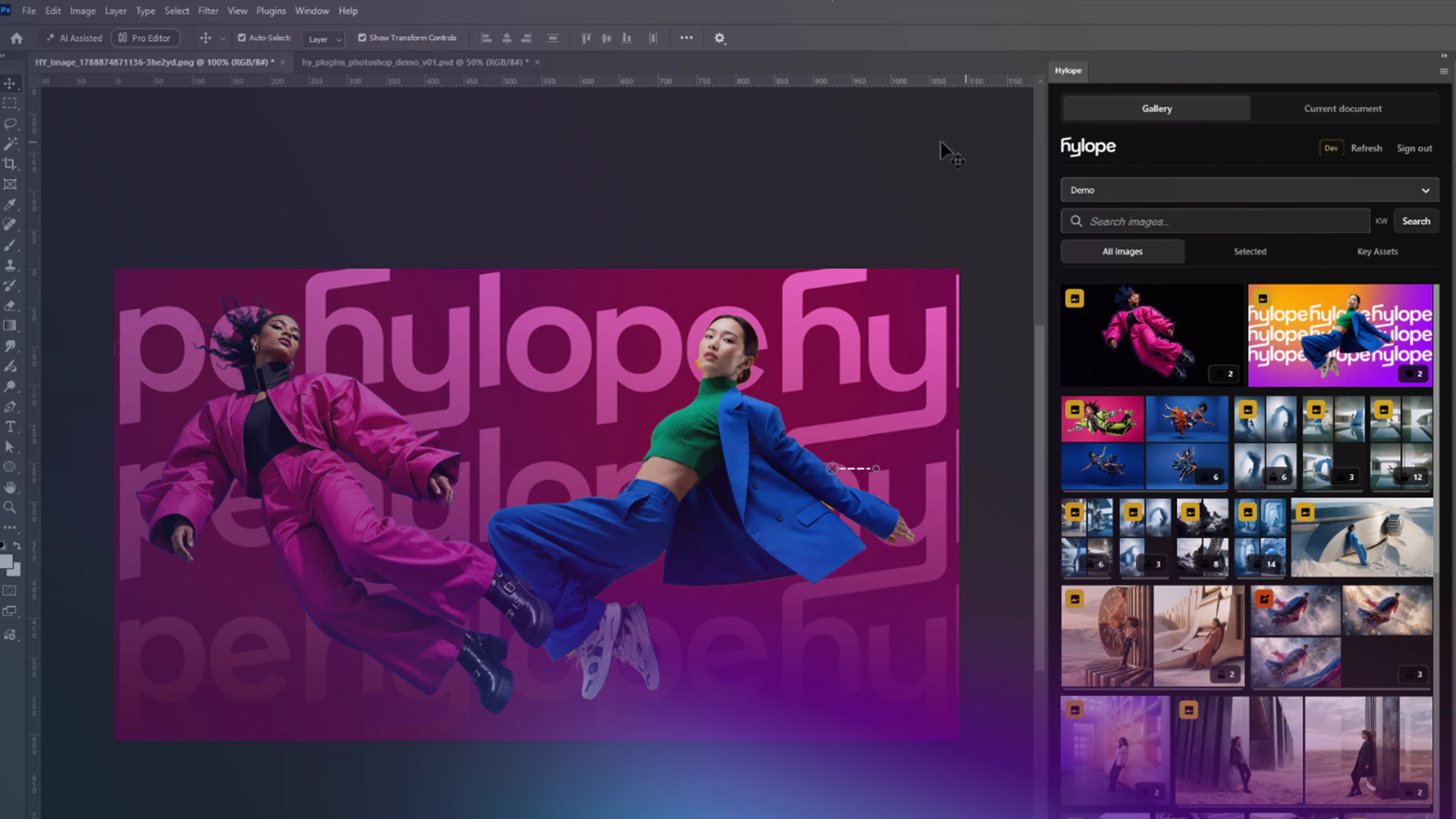
Open Hylope assets in Photoshop, save your edits as new versions, and send local files as references, without downloading or uploading anything.
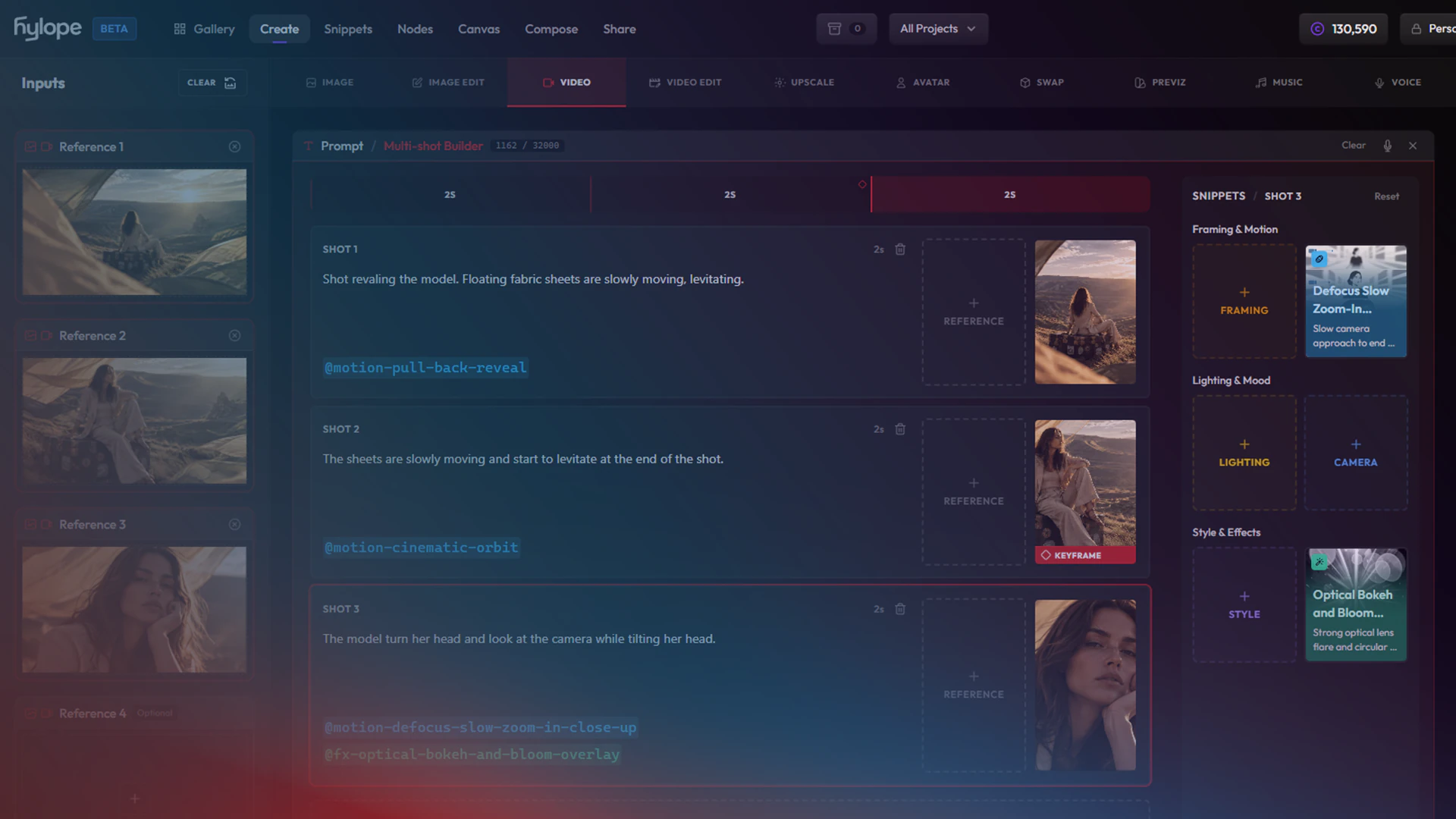
Plan a multi-shot video on a visual timeline: one card per shot, each with its own reference image and camera motion.
Model notes, app guides and product news from the Hylope team.
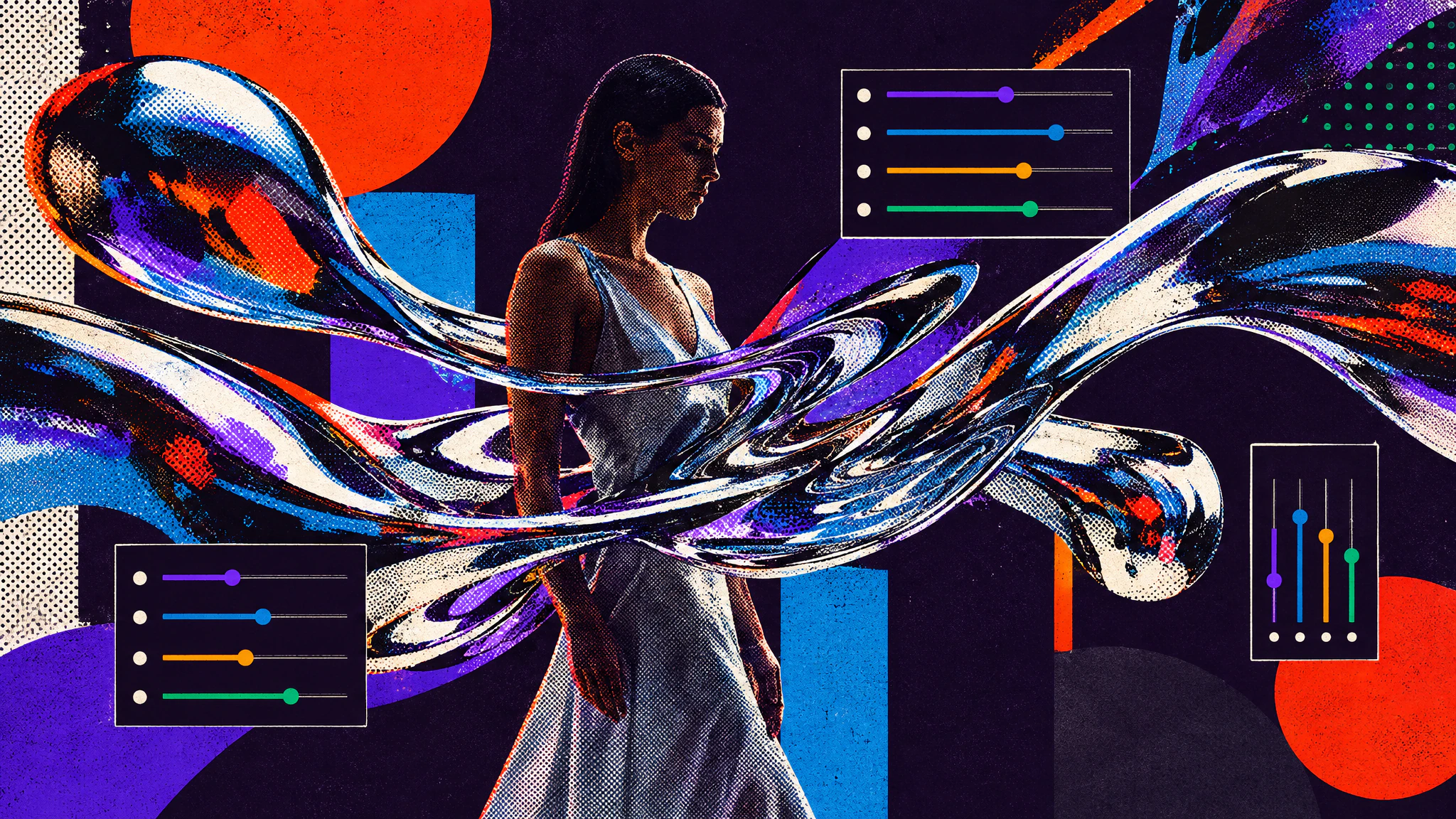
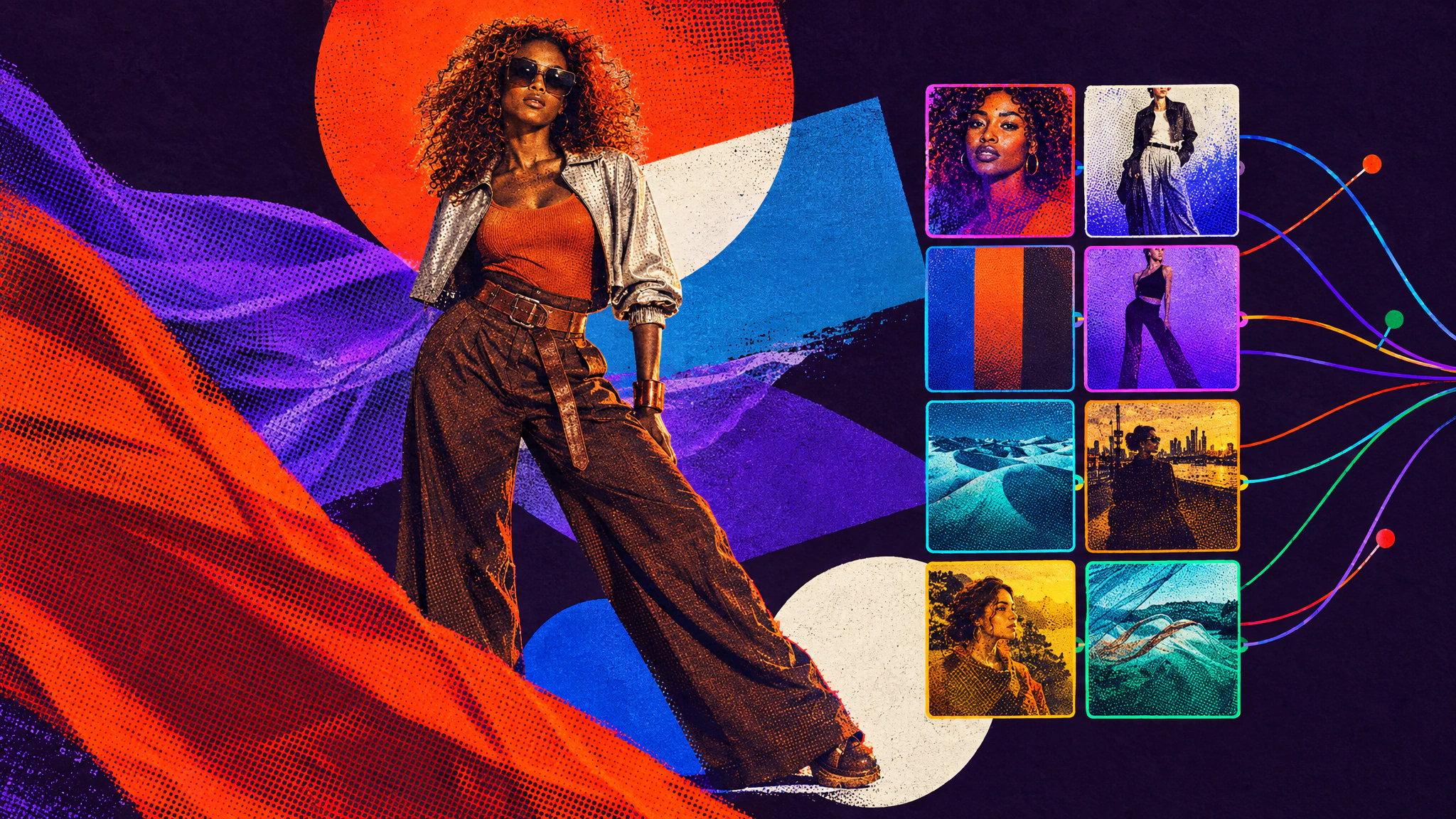
Krea 2's creativity sliders turn one simple prompt into very different visual styles. Two prompts, one seed each, from calm to complex.
Cast, style and direct consistent AI characters: generate faces and outfits separately, set the scene, then combine them into one image.
As models get better, prompts get longer and harder to edit. Snippets split them into colour-coded tags you can read, swap and change one at a time.
After months of private beta, Hylope is opening to more people. What it is, why we built it, and how it's different.
Hylope 1.0 is available by invitation. Join the waitlist and we'll send your invite by email.
Quick answers about the platform.
Hylope is an AI-powered creative platform that brings together image generation, video creation, upscaling, music, and more in one unified app with built-in asset management and team collaboration.
Creative and art directors, film directors, motion designers, and anyone who uses AI as part of their creative workflow. We focus on speed, quality, and professional features.
Generate images from text, edit images with AI, create videos from images or text, upscale to higher resolutions, generate music, stylize previz renders, create avatars, swap products, and more. All organized in one place.
Hylope 1.0 is available by invitation. Join the waitlist and we'll send your invite by email. New accounts start with 200 free credits, no credit card required. In the meantime, the live demo lets you explore the full interface without an account.
Yes, outputs generated with Hylope can be used commercially. Check the specific terms of each AI model used for your generation in our Terms of Service.