
PhotoshopBeta

Pick a version. Edit in Photoshop. Save back.
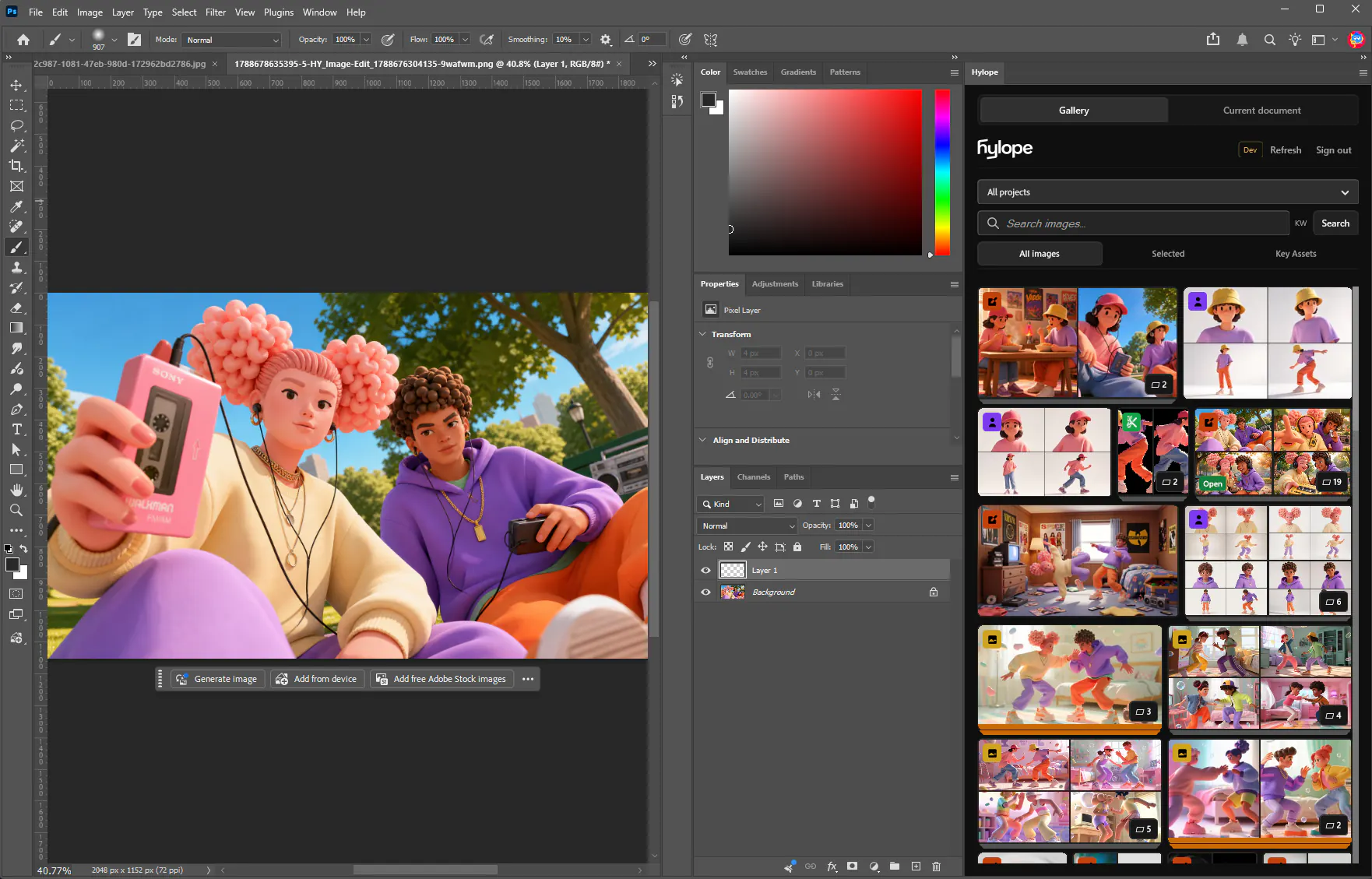
The panel shows your projects, your selection, and your Key Assets. Open an asset or place it as a smart object, then save a PNG copy as its next version.
Gallery panelBrowse projects, search, and pick from the gallery, your selection, or Key Assets.
Versions and variantsChoose the version or variant before you open it. Browsing never changes the app’s active selection.
Save as a versionA PNG copy becomes the next version. The layered document stays in Photoshop.
Send to a projectPush a Photoshop document to a project as a reference and keep saving to its history.